Utter vs Wispr Flow: Which Dictation App Should You Choose in 2026?
A practical Utter vs Wispr Flow comparison covering pricing, platforms, privacy, workflow depth, and buyer fit for dictation software.
Updated

Utter vs Wispr Flow: Which Dictation App Should You Choose in 2026?
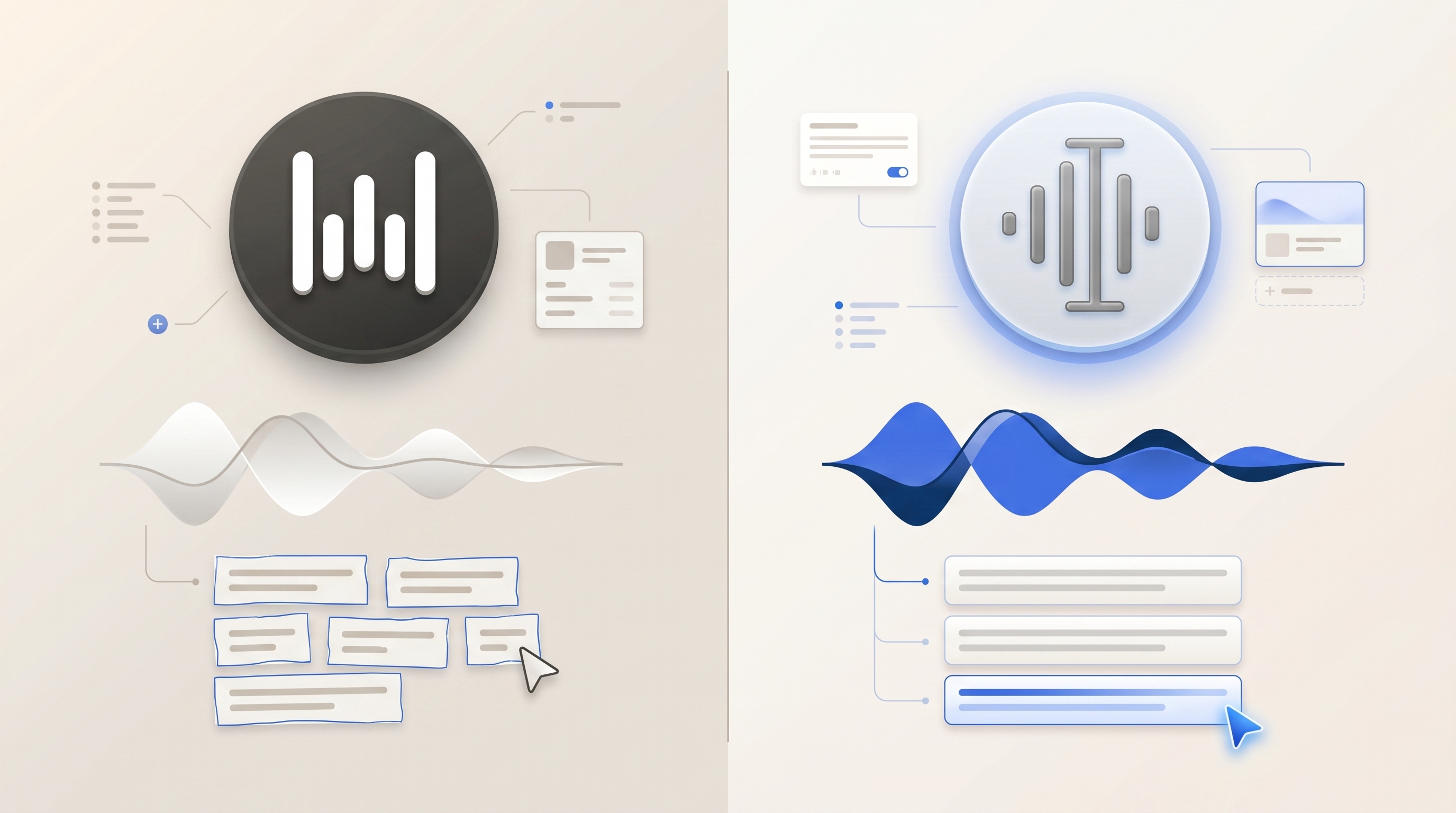
If you are comparing Utter vs Wispr Flow, the decision comes down to cross-platform team standardization versus Apple-first workflow depth. Utter is built for Mac and iPhone users who want dictation, AI cleanup, searchable voice history, meeting and file transcription, speaker-labeled transcripts, and exports in one workflow. Wispr Flow is strongest for mixed-device teams that need cross-platform rollout and shared team controls.
For the wider category view, start with Best Dictation Software 2026. For nearby alternatives, see Utter vs Superwhisper, Utter vs Willow Voice, Utter vs Aqua Voice.
TL;DR
Start here.
- Choose Utter if you want any-app dictation on Mac and iPhone with AI modes, local/on-device options, and BYOK.
- Choose Utter if voice history, file transcription, meeting workflows, speaker label editing, and TXT/MD/SRT/VTT exports matter.
- Choose Wispr Flow if your main requirement is mixed-device teams that need cross-platform rollout and shared team controls.
- The main comparison axis is cross-platform team standardization versus Apple-first workflow depth, not raw speech-to-text accuracy alone.
Quick Comparison
Use this table as the short version.
| Category | Utter | Wispr Flow |
|---|---|---|
| Primary fit | Apple voice workflow | mixed-device teams that need cross-platform rollout and shared team controls. |
| Pricing posture | Free plus Pro pricing | $15/mo; free tier with 2,000 words per week; official reference: Wispr Flow’s official site |
| Platforms | Mac and iPhone | Mac, Windows, iPhone, and Android. |
| Processing model | Hybrid: local, on-device, cloud, and BYOK routes | Cloud only. |
| BYOK | Free BYOK support | No BYOK. |
| Free tier | Free tier with BYOK and local models | Free tier with 2,000 words per week. |
| Workflow depth | Dictation, history, meetings, files, exports | Broad platform coverage; Team and enterprise features. |
Where Wispr Flow Is Strong
Wispr Flow deserves a serious look when its specialty matches your daily workflow. Its clearest strengths are:
- Broad platform coverage.
- Team and enterprise features.
- Built-in AI rewriting.
- Polished onboarding.
That makes Wispr Flow a credible choice for buyers who know they need that narrower fit. If those strengths are the reason you are shopping, test Wispr Flow directly before making a final decision.
Where Utter Is Stronger
Utter is the better fit when dictation is only the start of the job. A typical Utter workflow begins with speaking into any app. It can then continue through AI cleanup, custom modes, reusable voice history, notes, summaries, files, meetings, or exported transcripts.
Utter is especially useful when you care about:
- Mac plus iPhone workflow continuity.
- Local/on-device options for sensitive work.
- BYOK cost control for supported speech-to-text and AI providers.
- Meeting recording, speaker-labeled transcripts, speaker renaming, and line reassignment.
- File transcription and exports to TXT, MD, SRT, and VTT.
- Searchable synced voice history instead of one-off dictation.
Pricing and Cost Control
Utter has a free tier and a Pro plan listed at $5.99/month or $59.99/year. It also supports local workflows.
BYOK support helps teams that already pay for model providers or want more control over routing.
Wispr Flow pricing is listed as $15/mo; free tier with 2,000 words per week. Official product reference: Wispr Flow’s official site.
Privacy and Processing Model
Privacy-sensitive buyers should test the processing model, not just read the marketing headline. Utter is positioned around local/on-device options and BYOK flexibility, so users can choose a more private route when the work requires it.
Wispr Flow’s processing model is Cloud only. Its BYOK posture is No BYOK.
Workflow Fit
Choose Utter when the job involves turning speech into reusable work: polished messages, structured notes, transcript cleanup, meeting follow-up, file transcription, or exports. This is the practical distinction between a dictation app and a full voice workflow.
Choose Wispr Flow when the buying criterion is narrower: mixed-device teams that need cross-platform rollout and shared team controls. In that case, Wispr Flow’s focused strengths may outweigh Utter’s broader workflow coverage.
Who Should Choose Utter
- Mac and iPhone users who want one voice workflow across everyday writing.
- Professionals who need local/on-device or BYOK control.
- Users who want dictation plus history, meetings, file transcription, and exports.
- Developers and prompt-heavy users who want custom AI modes and reusable voice context.
Who Should Choose Wispr Flow
Choose Wispr Flow when one of these strengths is the buying constraint:
- Broad platform coverage.
- Team and enterprise features.
- Built-in AI rewriting.
- Polished onboarding.
Limitations Before Switching
The main Wispr Flow limitations are:
- Cloud-only processing.
- No BYOK.
- No file transcription.
- Higher individual price than Utter.
For Utter, the main constraint is platform fit: it is best for Mac and iPhone users. If your workflow is Windows-first or Android-first, start with the related comparison guides below.
Utter is a better fit for individual and small-team Apple workflows than for heavy enterprise admin workflows. Use the broader best dictation software guide for the full category view.
Use-Case Fit Matrix
Use this matrix to pick a starting point.
| Use case | Better starting point | Why |
|---|---|---|
| Daily Mac/iPhone dictation | Utter for daily writing | Any-app dictation, AI cleanup, history, and mobile continuity. |
| Sensitive or offline-leaning work | Utter for privacy control | Local/on-device and BYOK routes, with cloud only when it fits. |
| mixed-device teams that need cross-platform rollout and shared team controls | Test Wispr Flow | Wispr Flow is strongest when this focused need outweighs broader transcript workflows. |
| Meeting, file, or export workflows | Utter for transcript work | Reusable voice history, file transcription, speaker labels, and transcript exports. |
Hands-On Test Protocol
- Latency: dictate the same paragraph into email, Slack, a browser text field, and your notes app.
- Correction UX: add names, acronyms, punctuation, and a short list, then measure cleanup time.
- Compatibility: test the shortcut or input method in the exact apps where you write.
- Privacy: compare offline behavior, cloud routing, and account settings for sensitive audio.
- Terminology: test customer names, product terms, code terms, and domain-specific phrases.
- Reuse: export or revisit the transcript if meeting, file, or history workflows matter.
The winner is the app that reduces total cleanup time, not necessarily the one that returns the first words fastest.
Related Comparison Guides
Continue with these related guides.
- Compare the closest alternative: Utter vs Superwhisper.
- Check another nearby option: Utter vs Willow Voice.
- Review the third related option: Utter vs Aqua Voice.
- See the full category shortlist: Best Dictation Software 2026.
Final Recommendation
Choose Utter if you use Mac or iPhone and want a complete voice workflow. That means dictation, AI cleanup, local/BYOK control, history, meeting and file transcription, speaker editing, and exports.
Choose Wispr Flow if its focused strength is your real buying constraint: mixed-device teams that need cross-platform rollout and shared team controls.
Source Notes
Official product reference: Wispr Flow’s official site.
Category references: Apple’s Mac Dictation guide documents OS-level dictation behavior. OpenAI’s speech-to-text guide documents model-provider transcription behavior.