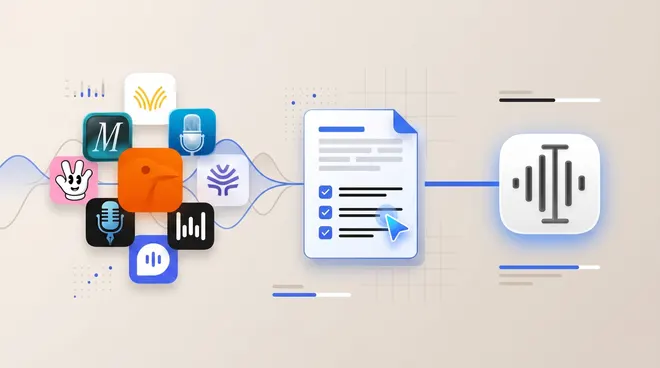
If Apple Dictation keeps making mistakes on long passages, an app with AI cleanup may help more than repeating yourself. Try Superwhisper or Utter for Mac and iPhone with local options, Wispr Flow for cloud cleanup, and VoiceInk for a one-time Mac purchase. If your problem is recordings and not typing, use MacWhisper.
Utter publishes this guide and is one of the apps listed. Details come from official pages, checked November 1, 2026. No accuracy benchmark was run, and individual results depend on your voice, microphone and vocabulary.
So it is worth keeping as your baseline, and it may be all you need for short messages.
What should you try before switching?
Two checks take a minute and cost nothing.
Check which model you have. Apple says an on-device model improves spelling, punctuation and capitalization in English on Macs with M3 or later and at least 12 GB of unified memory. On iPhone, the same applies to iPhone 17 Pro, iPhone 17 Pro Max, iPhone Air or later. Other devices do not get it.
Test your microphone. Dictate the same paragraph with the built-in mic and a headset, then compare. If the headset fixes most errors, the app is not your main problem. Utter’s audio quality guide has more checks that apply to any dictation app.
Why switch from Apple Dictation?
The main reason is what happens after the words are recognized. Apple’s guides do not list filler removal, spoken self-corrections or rewriting. Dedicated apps add a cleanup step, so “um, send it Tuesday, no, Wednesday” can come out as “Send it Wednesday.”
Several apps also let you choose your speech model, which Apple’s guides do not describe. A larger local model or a cloud model can handle long dictation differently, though results vary and should be tested on your own text.
Wispr Flow’s Backtrack, Monologue, Typeless, VoiceInk’s Refine and Spokenly’s Local Model Cleanup all describe it. Utter also applies your spoken corrections. Vendors describe this feature, but no independent result is cited here, so try a sentence where you change your mind halfway through.
How should you test an alternative on long passages?
Use the same passage in each app, because a short sentence rarely shows the problem. Read two or three paragraphs with names, numbers and one spoken correction. Then count how many words you had to change. For a full worksheet, see how to choose dictation software.
Apple does not publish a reason, and results depend on your microphone, accent, vocabulary and device. Newer Macs and iPhones get an improved on-device model in English. Testing a headset is the quickest way to rule out audio quality.
What is the best alternative to Apple Dictation on Mac?
For cleanup with local options, try Superwhisper, VoiceInk or Utter. For cloud cleanup with little setup, try Wispr Flow. For a free route, try Handy or Spokenly.
Is Apple Dictation free?
It is built into Mac and iPhone, and Apple does not list a charge. Apple notes that cellular data charges may apply on iPhone.
Does Apple Dictation have a time limit?
Apple says you can dictate text of any length without a timeout on Mac.
Sources and method
Claims come from Apple’s macOS and iOS guides and other vendors’ official pages, linked above and checked November 1, 2026. Vendor statements were not independently tested. The cleanup example is an illustration, not a test result.