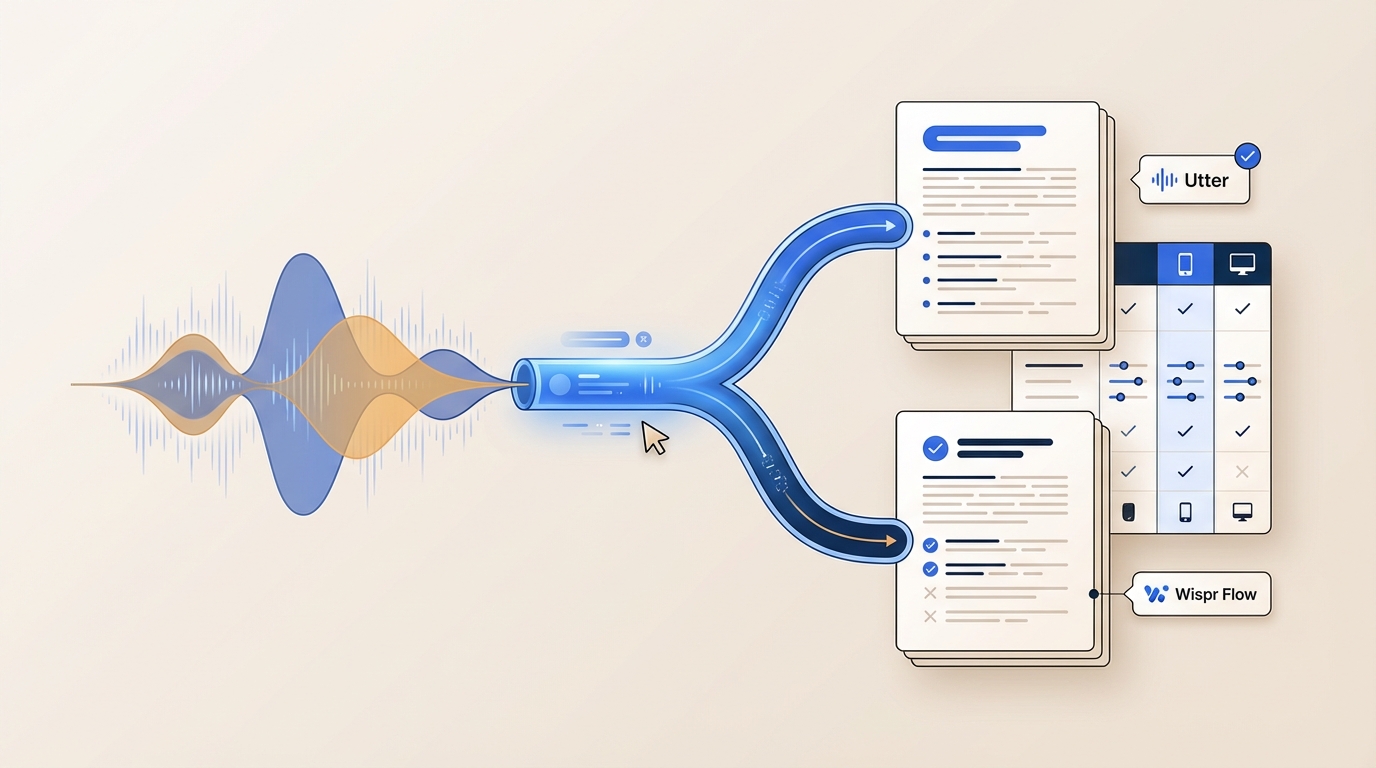
The Best Voice Dictation Software in 2026 (Dictation vs Transcription)
A buyer-focused guide to voice dictation software in 2026, with concrete workflow tests, source-backed tradeoffs, and current pricing notes.
Updated
Best Voice Dictation Software (2026)
TL;DR
- This guide focuses on system-wide dictation (voice typing), not meeting transcription suites.
- The core buying fork is usually local/offline control vs cloud speed + team controls.
- If your main pain is cleanup after dictation, Utter is built around formatted output modes.
- If you want a hotkey-first workflow across apps, start by comparing Superwhisper and Willow.
- If you need enterprise controls and policy options, compare Wispr Flow pricing and Willow pricing.
- For zero-cost baselines, validate your habits first with Apple Dictation or Windows Voice Typing.
Why this category changed
Whisper-based ASR made modern dictation far more usable in noisy, technical, and multilingual workflows. OpenAI reports Whisper was trained on 680,000 hours of multilingual and multitask data (OpenAI), and the model is openly available under MIT (GitHub).
For buyers, raw recognition quality is no longer the only question. Practical decisions now come down to four issues:
- latency during real writing,
- correction friction,
- privacy defaults and policy controls,
- and app compatibility in your daily stack.
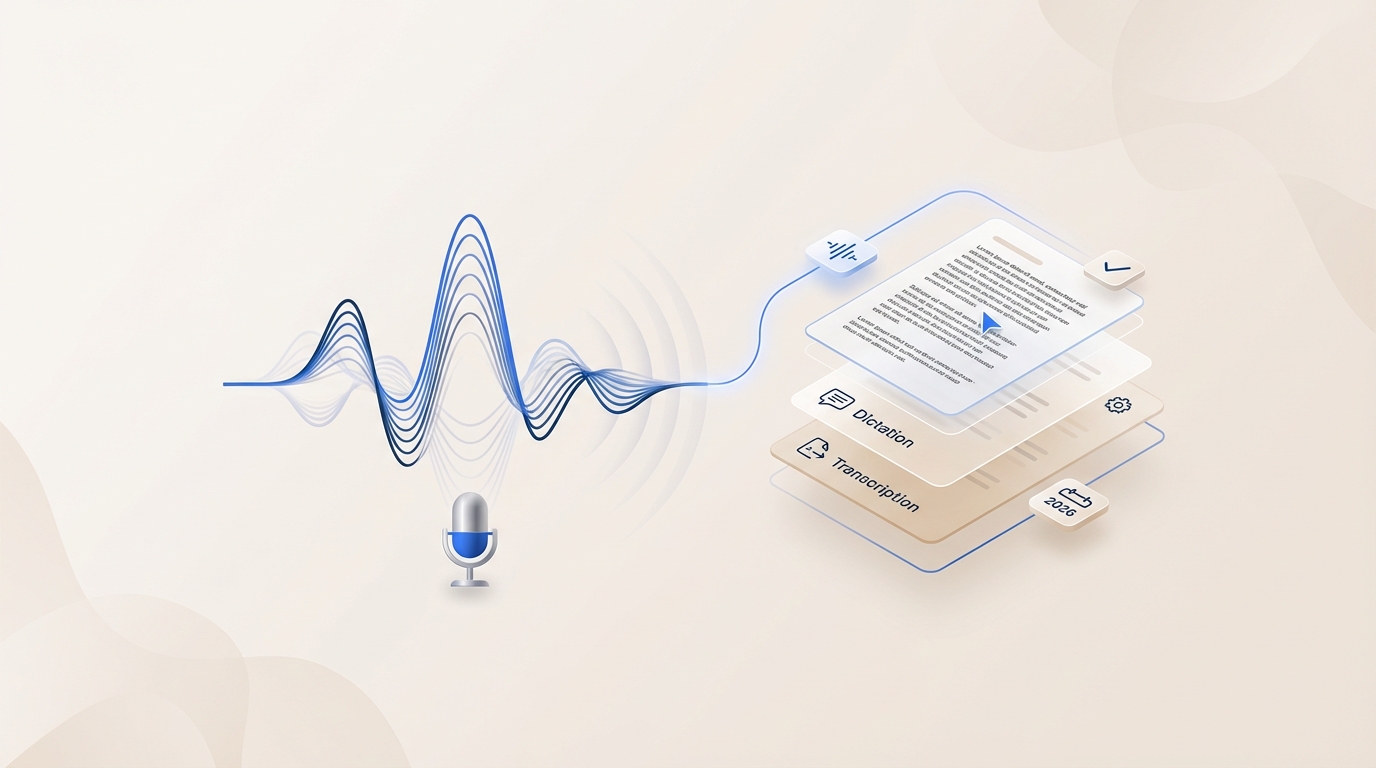
Dictation vs transcription
| Mode | What it looks like in practice | Primary output |
|---|---|---|
| Dictation | Press hotkey, speak, insert at cursor in a live text field | Live writing text |
| Transcription | Record or upload audio, then process later with summaries/speakers | Post-call notes and records |
Category mixing is a common listicle problem. A tool can be excellent for transcription and still be weak for system-wide voice typing.
Use-Case Fit Matrix
| Workflow | Start with | Why this is a strong first test | Runner-up to compare |
|---|---|---|---|
| Writers and operators | Utter | Mode-based output reduces post-dictation cleanup | Willow |
| Developers and technical writing | Superwhisper | Hotkey-first loop is easy to stress-test in IDE + docs workflows | Utter global shortcut |
| Team rollout | Willow pricing | Team plan details include admin and shared workspace controls | Wispr pricing |
| Enterprise/compliance review | Wispr pricing | Pricing FAQ lists enterprise control options like SSO/SAML paths | Willow pricing |
| Windows-heavy documentation | Dragon Professional | Explicitly positioned for Windows professional documentation | Windows Voice Typing |
| Transcription-first meeting workflows | Otter | Built around meeting capture, summaries, and follow-up workflows | Wispr Flow |
| Technical local-first baseline | whisper.cpp | Open-source, self-hosted path for teams that can run their own stack | Superwhisper |
How to Evaluate a Voice Typing App (Hands-On Test Protocol)
Standard test script
Use the same paragraph for every tool and every app:
Please draft a short update for the engineering channel: we shipped the voice typing beta, we still need privacy review sign-off, and we need feedback by Friday from support and sales.1) Latency behavior
- Run the test script in notes, chat, and docs.
- Check whether text appears while speaking or only after you stop.
- Repeat once on stable network and once on constrained network.
2) Correction UX
- Add proper nouns, acronyms, and punctuation to your script.
- Fix errors using only the tool workflow first, then keyboard if needed.
- Note how many edits are required before text is publishable.
3) App compatibility
- Test your real stack: email, chat, docs, and IDE.
- Verify hotkey reliability and insertion behavior in each app.
- Watch for focus changes, clipboard side effects, or dropped text.
4) Privacy verification
- Read pricing + privacy pages together before rollout.
- Confirm defaults (private/shared, cloud/local, training opt-in behavior).
- Write down required org settings before pilots begin.
5) Terminology stress
- Run domain-specific jargon and names from your team context.
- Compare cleanup effort, not just first-pass recognition.
Quick scoring rubric
| Dimension | 1 | 3 | 5 |
|---|---|---|---|
| Latency | Feels delayed | Usable with pauses | Feels immediate |
| Correction friction | Heavy manual cleanup | Moderate edits | Minimal edits |
| App compatibility | Breaks in core apps | Mostly stable | Stable everywhere you need |
| Privacy clarity | Hard to determine defaults | Partly clear | Clear defaults + policy fit |
Microphone quality and room noise can dominate outcomes. Keep your test mic and environment consistent.
Offline Dictation Software: When It Matters
If your team has restricted-network environments, regulated workflows, or frequent travel with poor connectivity, offline dictation software becomes a gating requirement.
- Utter documents local usage paths, with additional BYOK configuration guidance for model/provider control (BYOK docs).
- Superwhisper explicitly documents offline model paths, with hardware caveats in its own FAQ content.
- Willow privacy policy explicitly documents cloud processing plus mode-based controls, which can still work for many teams but should be policy-reviewed first.
- Technical teams can evaluate a self-hosted ASR layer through whisper.cpp when they need direct infrastructure control.
Best Voice Dictation Tools in 2026
How These Tools Position Themselves
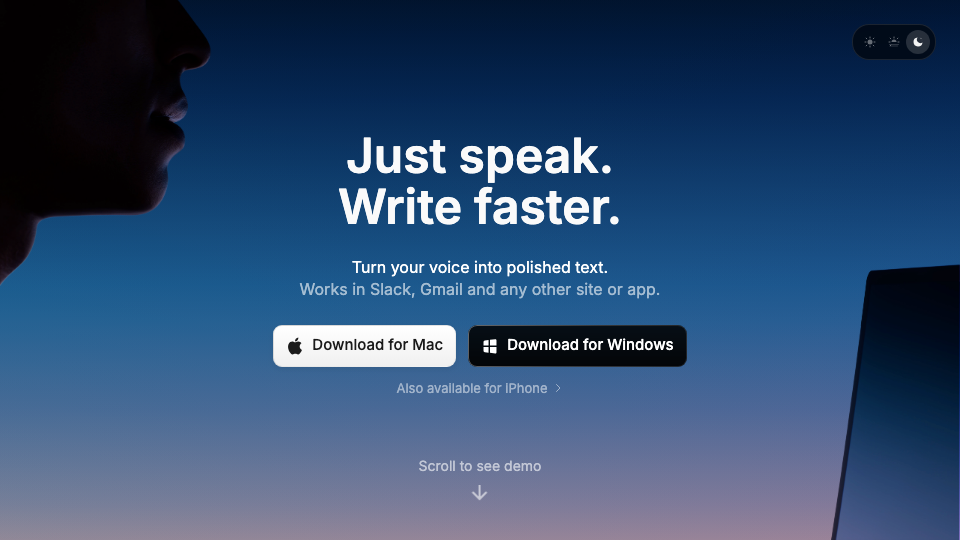
Superwhisper emphasizes adaptability and model-path flexibility in its homepage messaging.
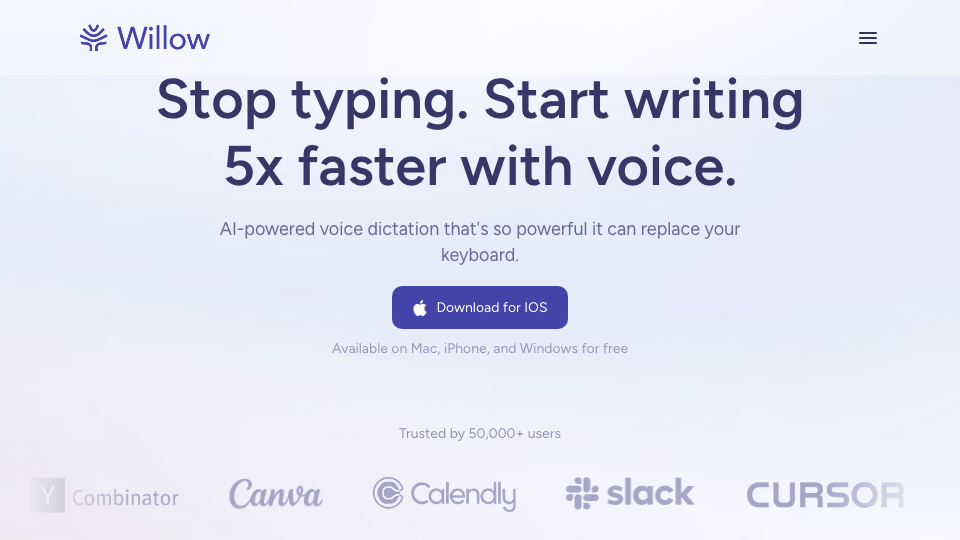
Willow emphasizes cross-device communication workflows and team rollout readiness.
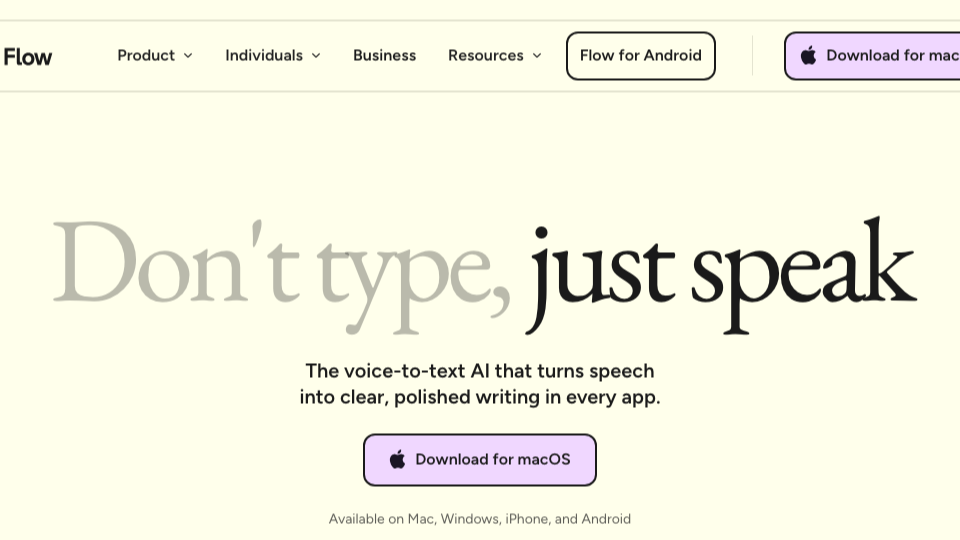
Wispr Flow emphasizes multi-platform deployment and enterprise/team governance framing.
Utter: Best for Structured Output, Not Raw Transcript Dumps
Utter’s documented positioning is clear: voice input should become polished text, not just verbatim words (Utter intro).
A practical Utter workflow usually looks like this:
- Trigger dictation with the global shortcut in whichever app is already in focus (global shortcut).
- Dictate in free form without stopping to edit.
- Use an output mode so the result lands in the right shape for the destination (for example, email-style or notes-style structure as documented in Utter mode-oriented guides) (Utter intro, use for free).
This is where Utter stands out for teams whose main cost is post-dictation cleanup, not first-pass recognition.
For policy-sensitive deployments, Utter provides two practical paths in docs:
- BYOK path for provider/key control (BYOK).
- Local usage path for local-processing workflows (use locally).
Pricing (checked Feb 28, 2026): Free tier plus Pro at $7.99/month or $79.99/year (Utter pricing).
For next-step comparisons, start with Utter vs Wispr Flow.
Superwhisper: Best for Hotkey Speed and Model Flexibility
Superwhisper is positioned around fast hotkey dictation across apps, with explicit Free/Pro/Enterprise tiering.
Documented tier highlights include:
- Free: meeting recording/transcription and language support.
- Pro: BYO API keys, cloud/local model access, translation-to-English, and file transcription.
- Enterprise: SOC 2 Type II plus centralized billing/auth language (pricing).
Operational check to run early: offline model behavior should be tested on the exact hardware fleet (Intel vs Apple Silicon) before team-wide rollout.
Pricing (checked Feb 28, 2026): Pro is listed at $8.49/month or $84.99/year (Superwhisper pricing).
Related internal read: Utter vs Wispr Flow.
Willow Voice: Cross-Platform Voice Typing for Team Rollouts
Willow is strongest when buyers need Mac + iPhone + Windows continuity and explicit team-plan controls.
Primary pages currently show:
- Individual and Team plans with public annual-billing prices.
- Team/business plan language for administrative controls and HIPAA-oriented features (Willow pricing).
The key deployment question is default mode behavior. Willow privacy docs describe cloud processing and mode-dependent handling, so mode policy should be finalized before rollout (privacy policy).
Pricing (checked Feb 28, 2026): Individual $12/month billed annually; Team $10/month billed annually (Willow pricing).
Useful internal read: Utter vs Wispr Flow.
Wispr Flow: Enterprise Controls and Governance-Heavy Evaluations
Wispr Flow pricing is detailed for team/enterprise buyers and includes plan FAQ language around deployment controls.
What is in-source today:
- Fourteen-day Pro trial then free/basic path.
- Multilingual support is highlighted on product/pricing pages.
- Enterprise FAQ references such as SSO/SAML and policy-control paths.
Procurement implication: legal/security review should happen early because the privacy policy is explicit about usage/content handling, service-provider use, and retention terms (privacy policy).
Pricing (checked Feb 28, 2026): the pricing page displayed “Flow Pro monthly cost” at $12 during review (Wispr pricing).
Comparison shortcut: Utter vs Wispr Flow.
Best Dictation App for Mac
For most Mac buyers, the short list is Utter, Superwhisper, Willow, and Apple Dictation.
- Utter is usually the best first test when formatting quality is the bottleneck.
- Superwhisper is usually the best first test when hotkey speed and model control are the bottleneck.
- Willow is usually the best first test when cross-device continuity matters.
- Apple Dictation is the no-cost baseline before paid rollout.
Voice Typing App for Windows: Dragon vs Windows Voice Typing
Dragon Professional (Windows)
Dragon Professional remains a Windows-first documentation option with product-page language covering both live dictation and transcription from pre-existing audio files.
This is generally a fit for Windows-first organizations running formal procurement/evaluation paths, not a quick self-serve cross-platform trial.
Pricing note (checked Feb 28, 2026): a simple self-serve monthly amount is not publicly listed on the referenced page (Dragon product page).
Windows Voice Typing
Windows Voice Typing is the built-in baseline and useful for fast internal validation.
Microsoft documentation states this flow uses online speech recognition, which generally works well in connected environments and generally does not fit strict offline deployments.
Free Dictation Software and Baseline Options
- Apple Dictation: included with macOS and easy to enable as a no-cost baseline (Apple support).
- Windows Voice Typing: included with Windows and useful as a zero-cost benchmark (Microsoft support).
- Otter (transcription-first baseline): useful when the core job is meeting capture and summaries rather than cursor-level dictation (Otter homepage, Otter pricing).
- whisper.cpp (self-hosted baseline): open-source path for teams that want infrastructure ownership and can operate it (repo, README).
At-a-Glance Constraints Table
| Tool | Primary mode | Deployment style | Privacy/processing model (documented) | Admin controls | Pricing model |
|---|---|---|---|---|---|
| Utter | Dictation-first | Individual to team | Docs include zero-retention claim plus BYOK/local guides | Team process depends on setup | Free + Pro (pricing) |
| Superwhisper | Dictation-first | Individual to enterprise | Local-processing posture with third-party billing/signup metadata in policy | Enterprise tier includes centralized billing/auth language | Free tier plus Pro at $8.49/month or $84.99/year (checked Feb 28, 2026) (pricing) |
| Willow Voice | Dictation-first | Individual, team, business | Cloud processing plus private/shared mode policy behavior | Team/business plan language includes admin and shared controls | Individual/Team plus business path (pricing) |
| Wispr Flow | Dictation + team workflows | Individual to enterprise | Privacy policy includes usage/content handling and retention language | Pricing FAQ includes enterprise control references (SSO/SAML) | Free/Pro/Enterprise paths (pricing) |
| Dragon Professional | Dictation + transcription | Windows professional deployments | Vendor policy model for enterprise software | Enterprise-oriented deployment language | Price not listed as self-serve monthly on referenced page |
| Apple Dictation | Dictation baseline | Individual | Apple platform model | Not positioned as team admin platform | Included with macOS |
| Windows Voice Typing | Dictation baseline | Individual | Online speech recognition model per Microsoft docs | Not positioned as team admin platform | Included with Windows |
| Otter | Transcription-first | Individual to enterprise | Meeting/transcription workflow model | Team/admin options via plan structure | Free + paid tiers (pricing) |
| whisper.cpp | ASR engine baseline | Self-hosted technical | Open-source local/self-hosted path | Your team owns controls | Open source (implementation cost is operational) |
Pricing and policy details are date-stamped in each tool section and can change.
Fast Recommendations by Buyer Type
- Writers and operators: Start with Utter, and run correction UX first.
- Developers: Start with Superwhisper or Utter, and run app compatibility in your IDE + docs stack first.
- Security and compliance buyers: Start with Wispr Flow and Willow, and run privacy verification before any pilot.
- Windows-first organizations: Start with Dragon, and run compatibility tests in your real documentation apps before procurement.
- Teams deciding between live dictation vs meeting transcription: Compare a dictation-first tool against Otter on the same work week and measure publish-ready output time.
- Cost-sensitive teams: Start with Apple Dictation or Windows Voice Typing to validate adoption before moving to paid tools.
Methodology
- Primary sources first: official docs, pricing pages, and privacy pages.
- Volatile facts (pricing and policy behavior) were date-stamped and treated as change-prone.
- Vendor claims were kept explicit and separated from buyer testing recommendations.
FAQs
What is a dictation app in practical terms?
A dictation app turns speech into text in the active text field while you work. It is optimized for live writing loops, not post-call transcript processing.
Dictation vs transcription for meetings: which should I choose?
If your output is meeting records and summaries, start with transcription-first tools like Otter. If your output is live writing in docs, chat, or email, prioritize dictation-first tools.
Does dictation work offline?
It depends on the tool and setup. For example, Superwhisper publishes offline model guidance, while Willow policy language documents cloud-processing paths with mode controls.
Which option is best for Mac users?
For built-in baseline behavior, use Apple Dictation. For richer workflows, compare Utter, Superwhisper, and Willow with the same test protocol.
Which options are strongest for teams and admin controls?
Start with Willow pricing and Wispr pricing, then verify policy defaults in Willow privacy policy and Wispr privacy policy.
Which is best for developers?
Developers usually care about hotkey reliability, app compatibility, and correction speed. Compare Utter and Superwhisper directly in your IDE, terminal-adjacent notes, and code review tools.
How should teams verify privacy claims quickly?
Run a policy review pass with pricing and privacy pages side by side, then map required settings to your deployment checklist before pilots.
Is Whisper open source?
Yes. OpenAI published Whisper and links to the open repository (OpenAI, GitHub).
What microphone should we use for fair testing?
Use the same microphone and room conditions across all tools. Consistent input quality makes tool differences easier to measure.
Can built-in tools be enough for a small team?
Often yes for early validation. Apple Dictation and Windows Voice Typing are useful baselines before paid rollout.
What is whisper.cpp and when should I care?
whisper.cpp is an open-source implementation path for teams that want technical control and can operate their own inference stack.
Source Notes
- Homepage visuals in the positioning section were captured recently; vendor hero messaging can change over time.
- Superwhisper Pro pricing is listed at $8.49/month or $84.99/year (checked February 28, 2026) (pricing).
- Dragon Professional does not list a simple public self-serve monthly price on the referenced product page.
Related Reading
If you are narrowing options, these published next reads are the fastest next step: